Workflow
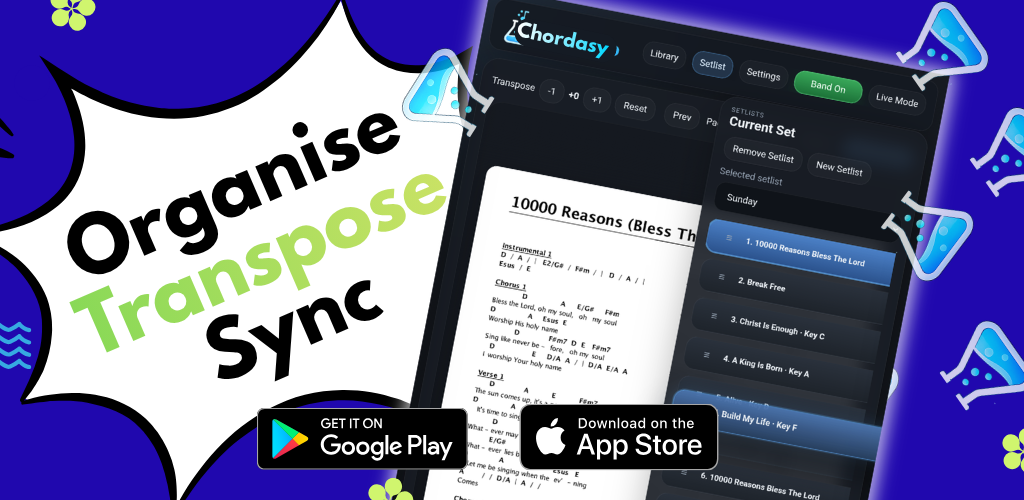
Organise, transpose, sync
Keep your charts, setlists, key changes, cloud library, and band sharing in one tablet-ready music workspace.
Your charts. Your setlists. Ready to play.
Available on Android tablets & iPad
Tablet workflow for rehearsals, worship teams, and live bands
Chordasy brings library search, setlists, transpose, live annotation, cloud sync, and Band Mode sharing into one fast tablet workspace, plus a free online PDF transpose demo.

Workflow
Keep your charts, setlists, key changes, cloud library, and band sharing in one tablet-ready music workspace.
Cloud
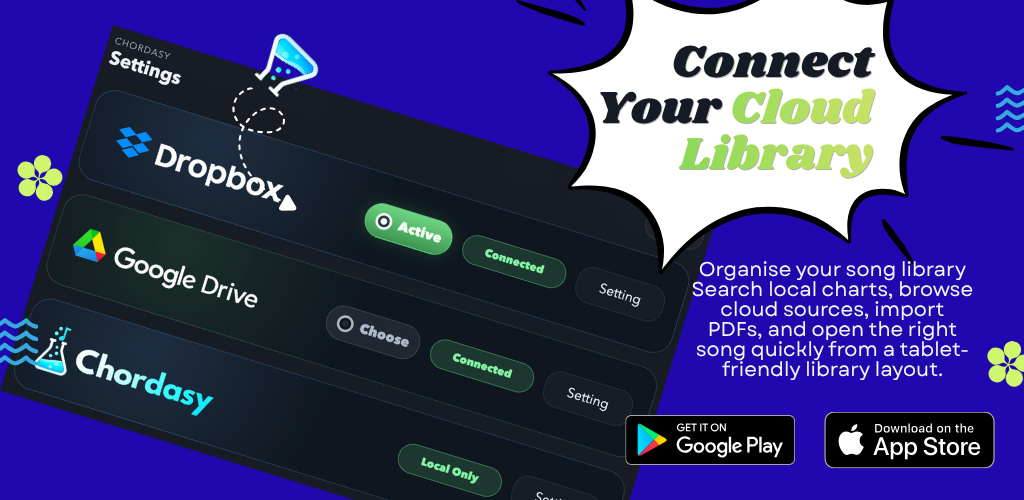
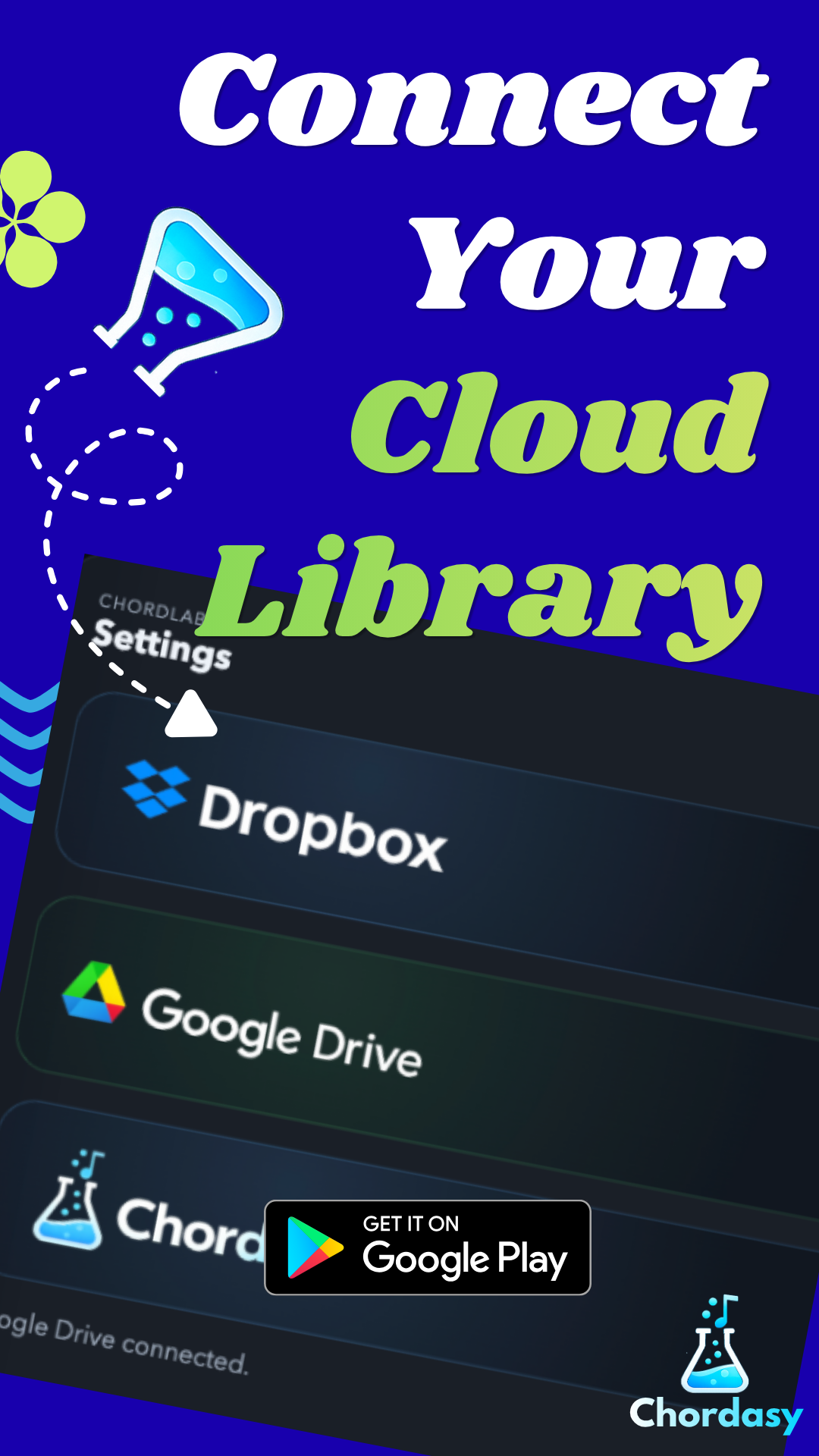
Link Dropbox or Google Drive from inside the app, choose your chart folder, and refresh the library without leaving your workflow.
Setlist
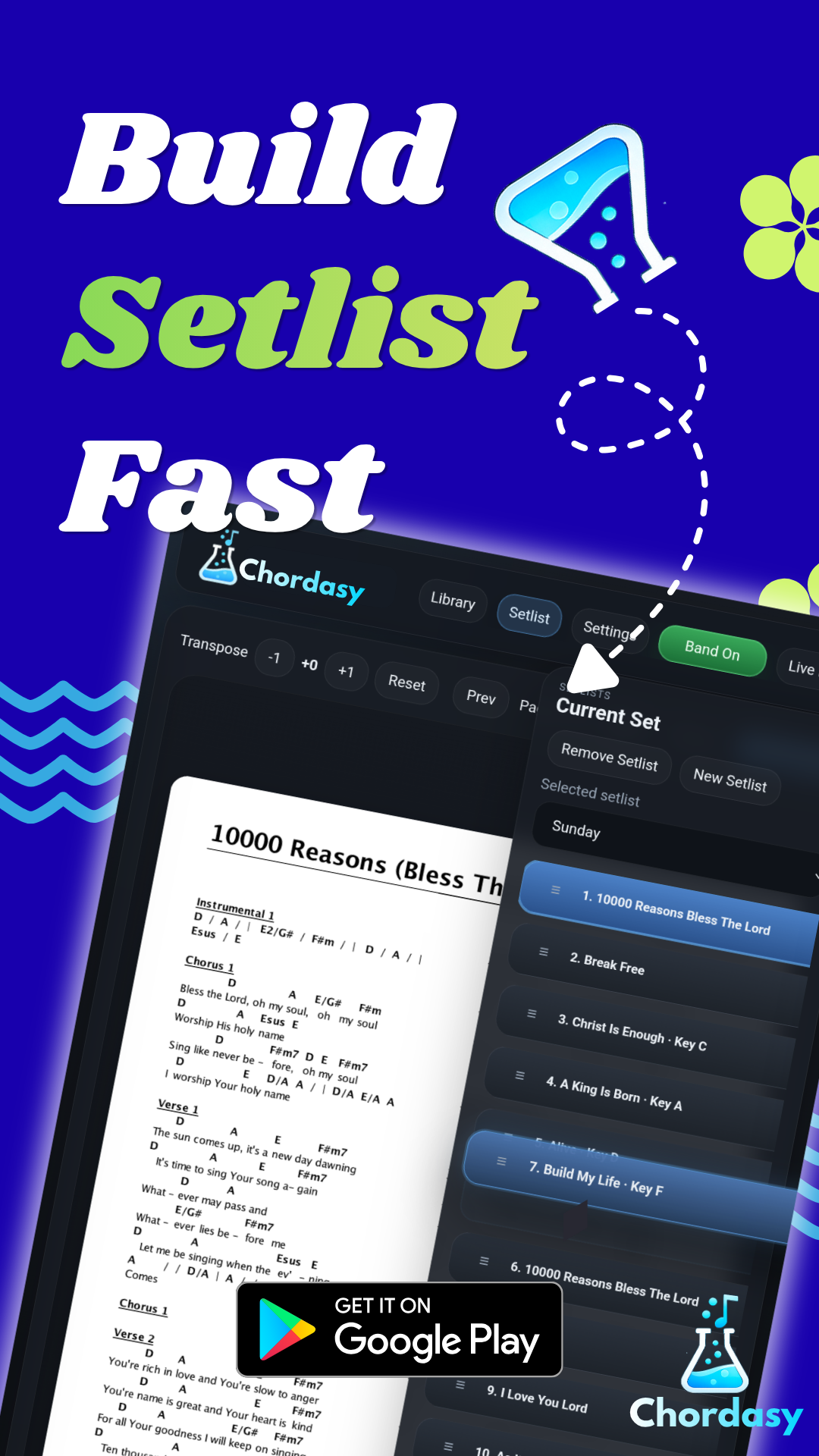
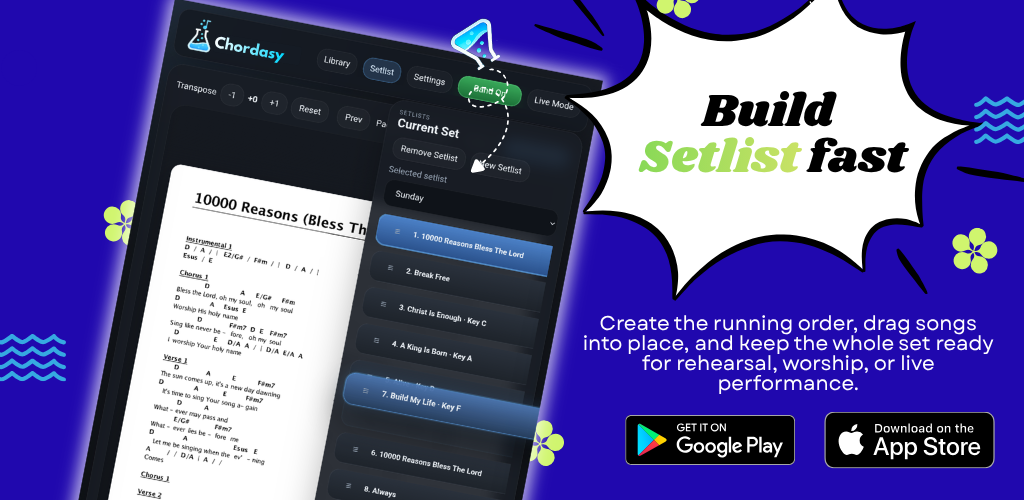
Create the running order, drag songs into place, and keep the whole set ready for rehearsal, worship, or live performance.
Library
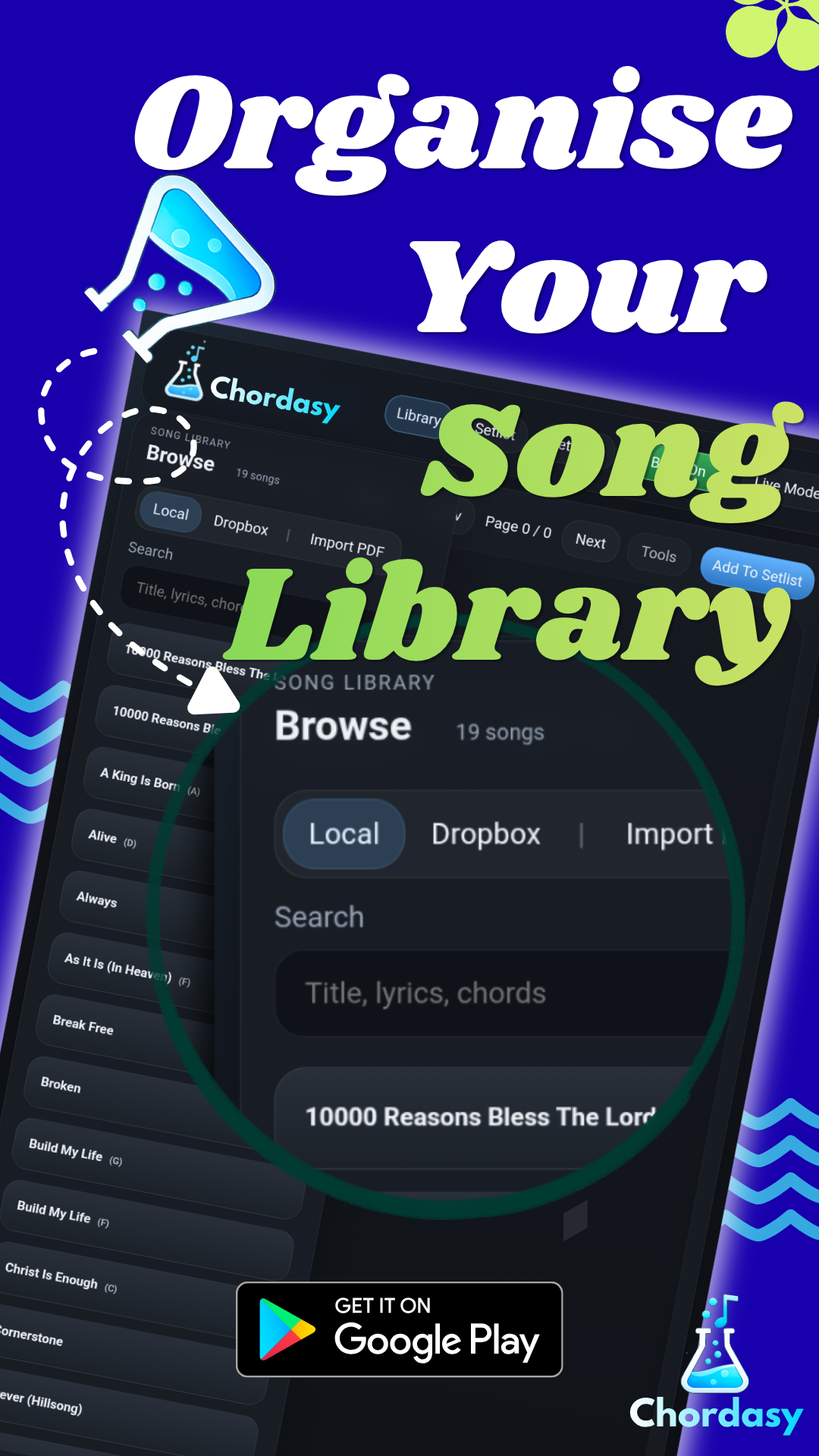
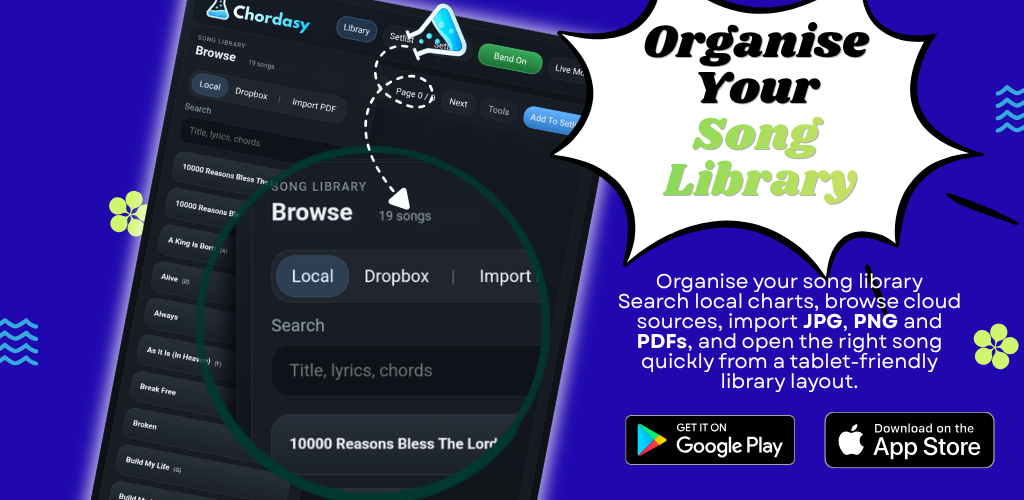
Browse local and cloud charts in full-screen mode, group matching song titles, and choose the key or version you need. Switch back to the compact drawer at any time.
Transpose
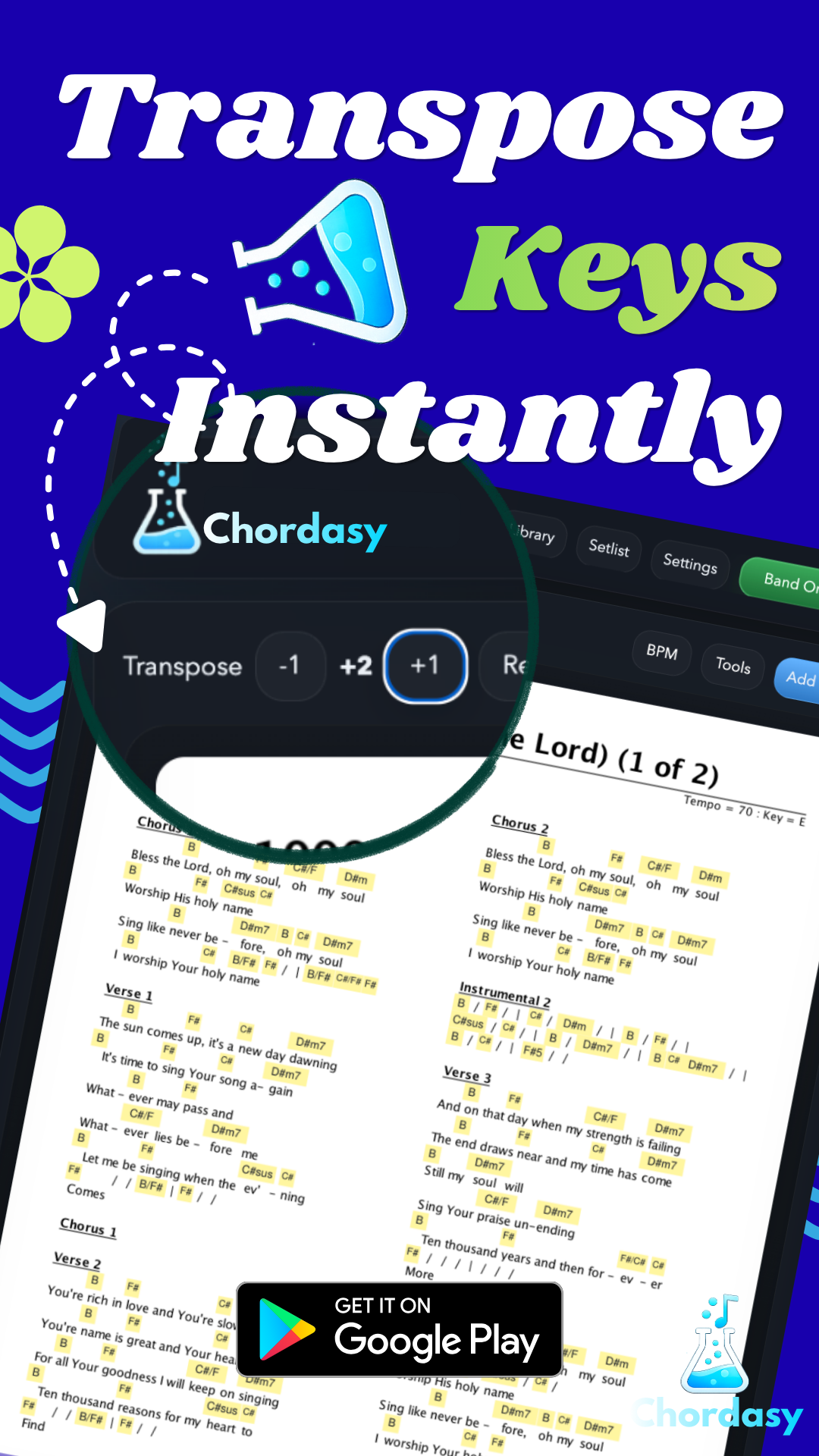
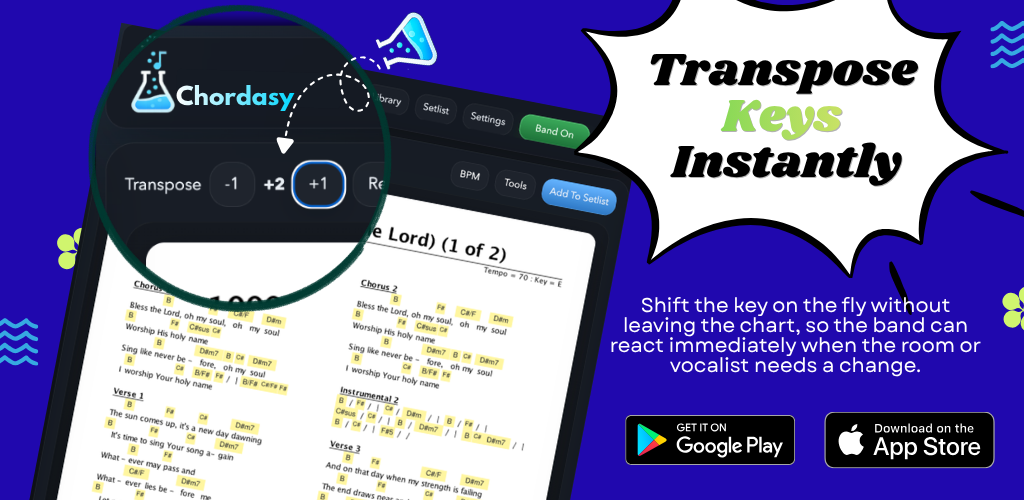
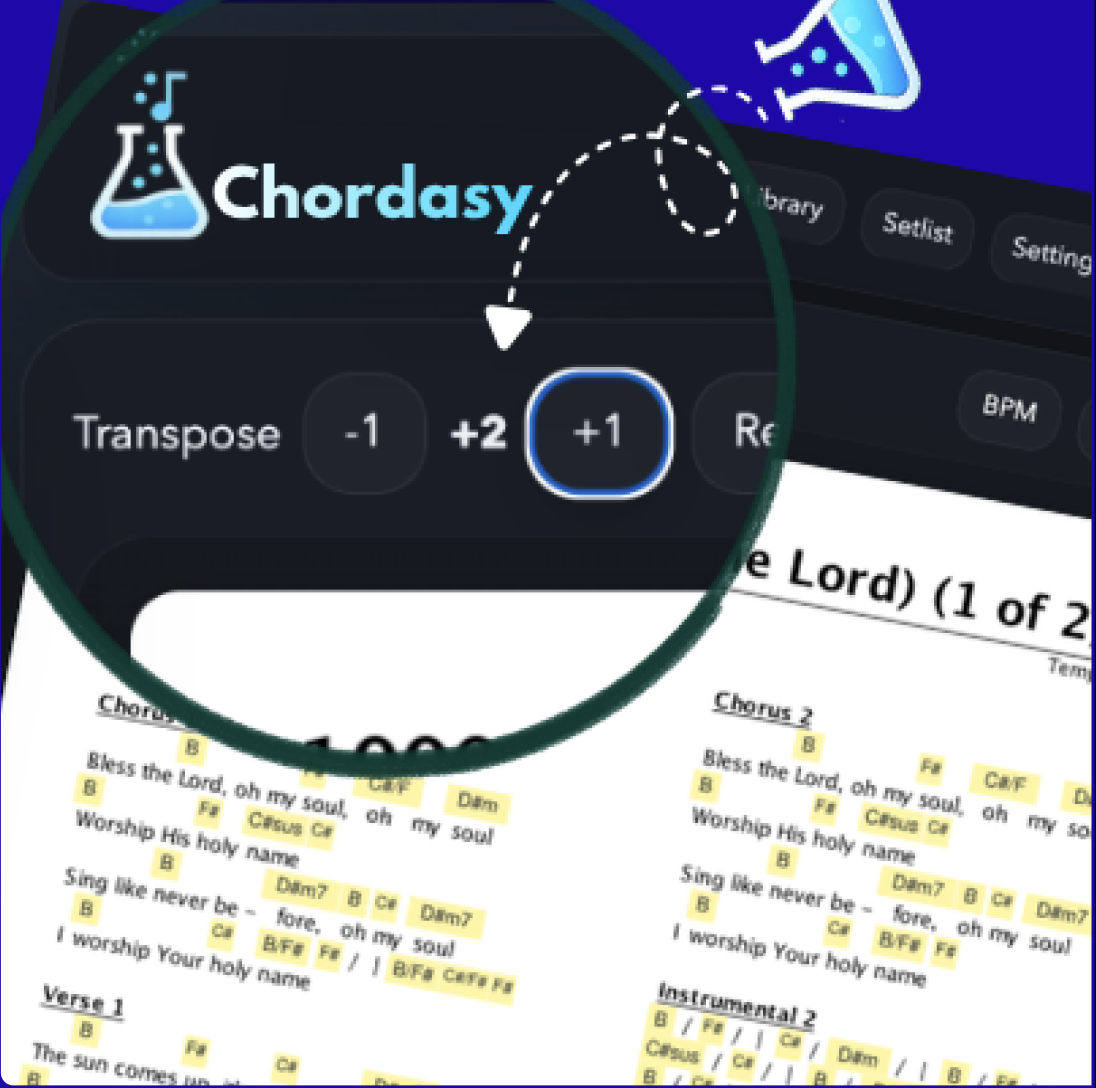
Shift the key on the fly without leaving the chart, then use the free PDF transpose demo online to test the workflow before downloading the app.
Transpose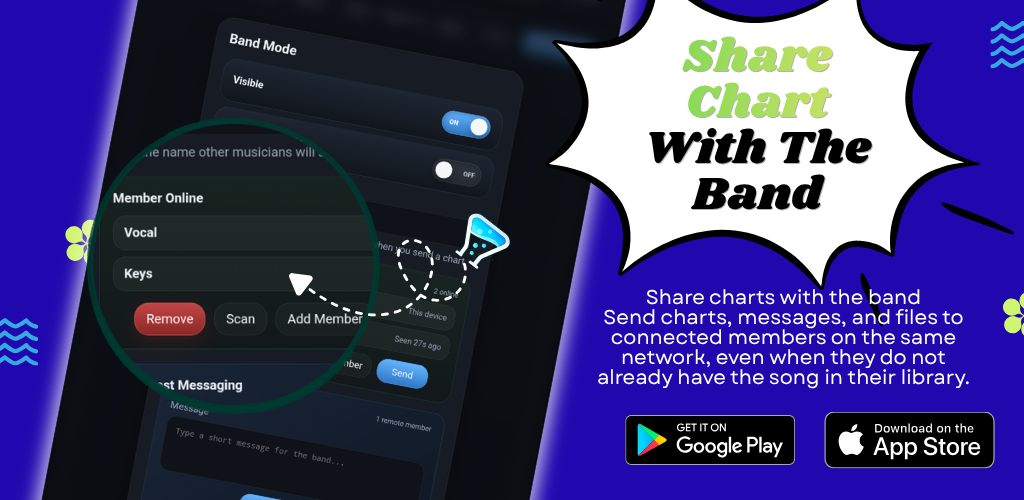
Band Mode
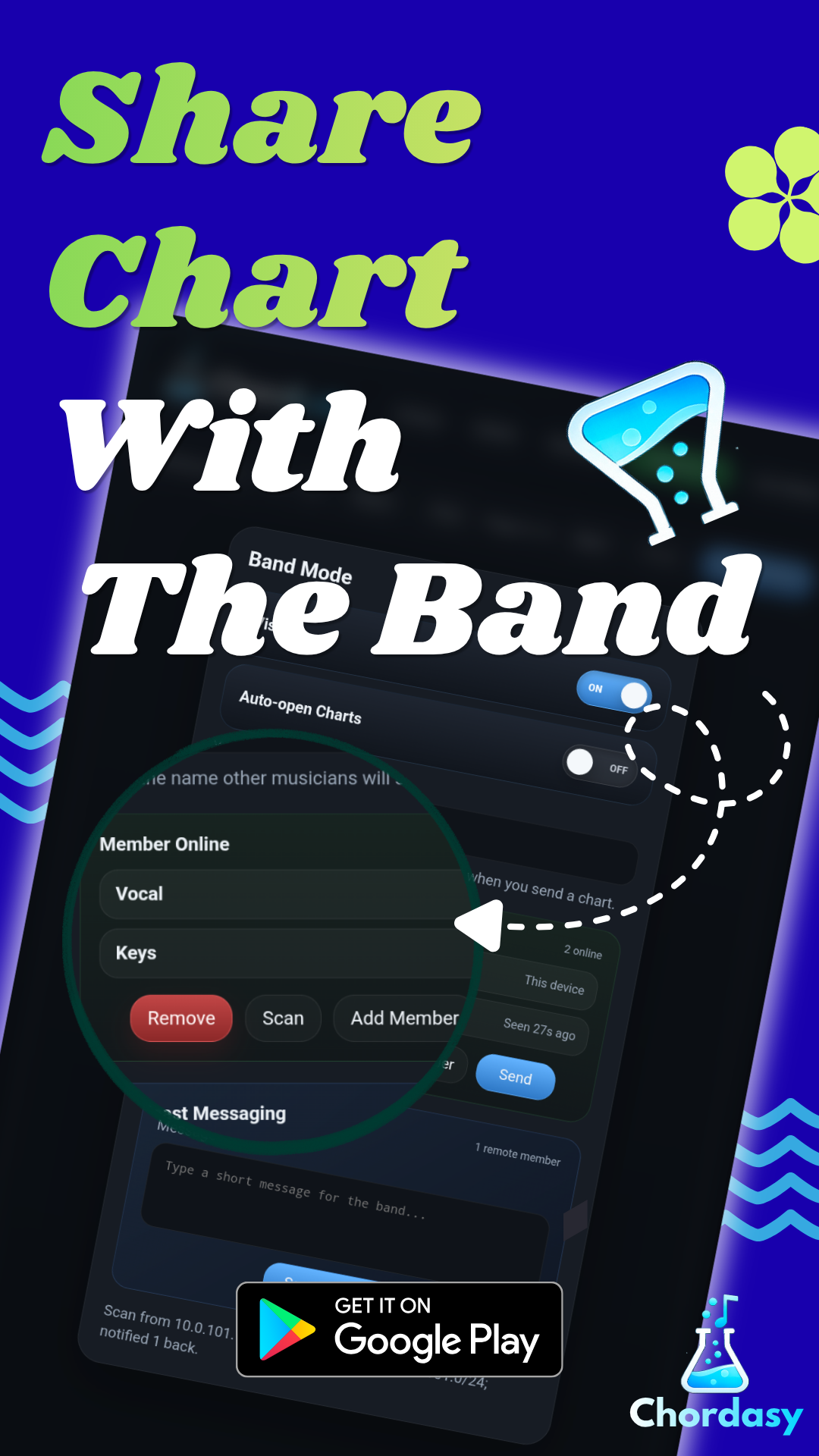
Send charts, messages, and files to connected members on the same network, even when they do not already have the song in their library.
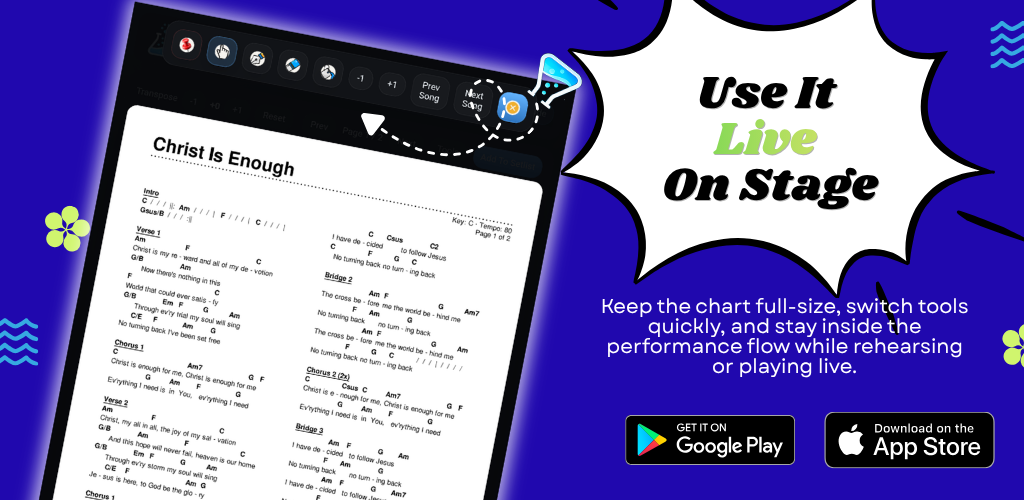
Live mode
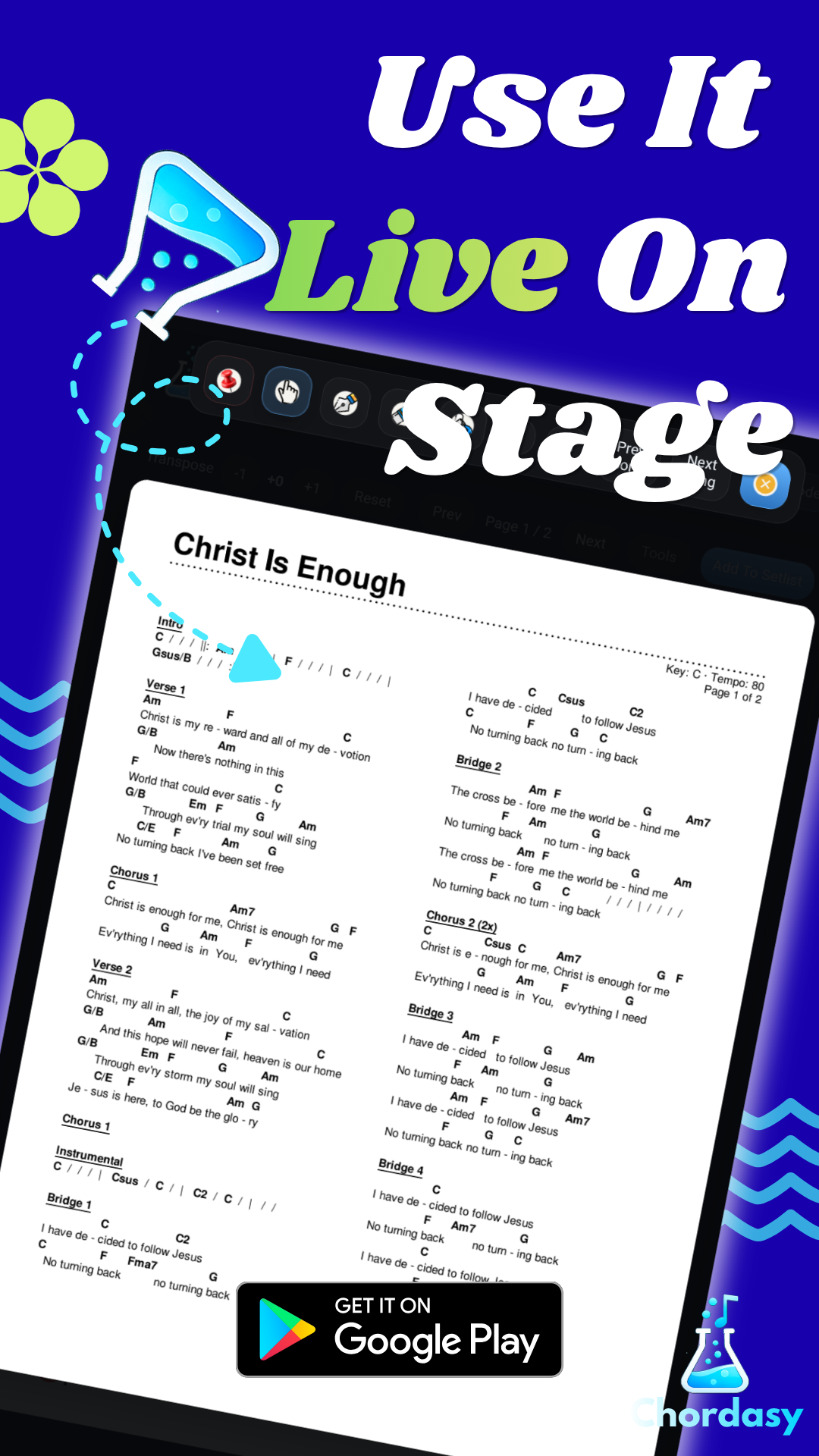
Keep the chart full-size, switch tools quickly, and stay inside the performance flow while rehearsing or playing live.
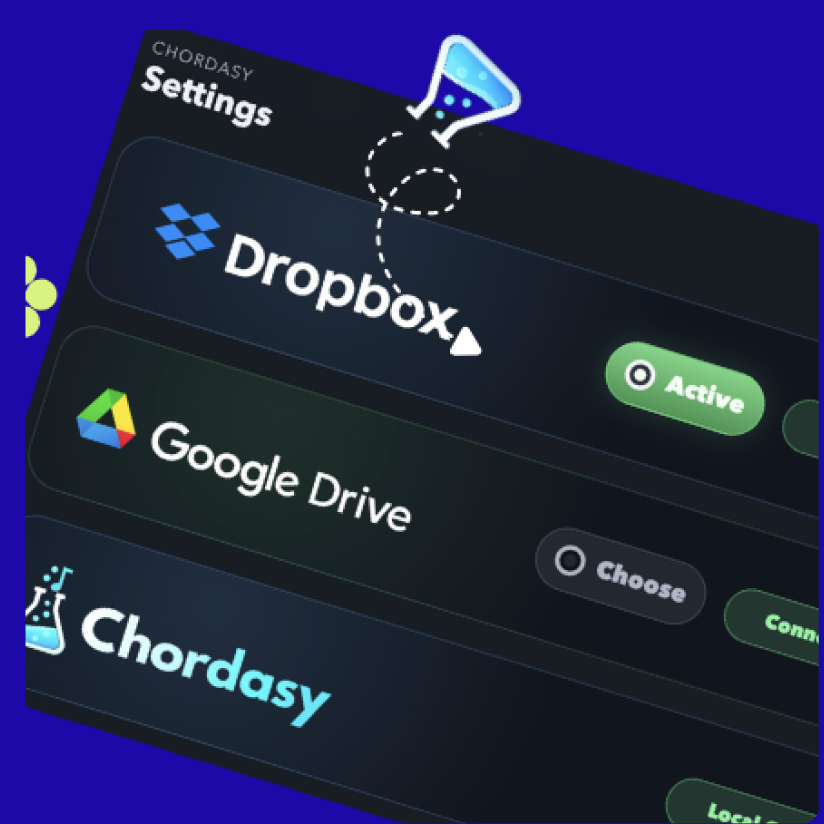
Link Dropbox or Google Drive from inside the app, choose your chart folder, and refresh the library without leaving your workflow.
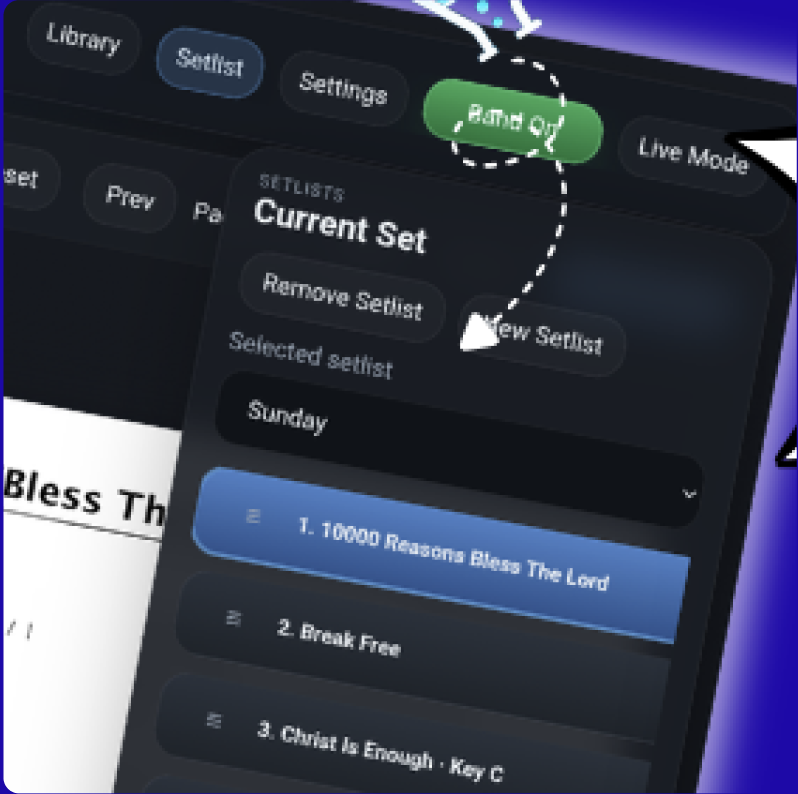
Create the running order, drag songs into place, and keep the whole set ready for rehearsal, worship, or live performance.
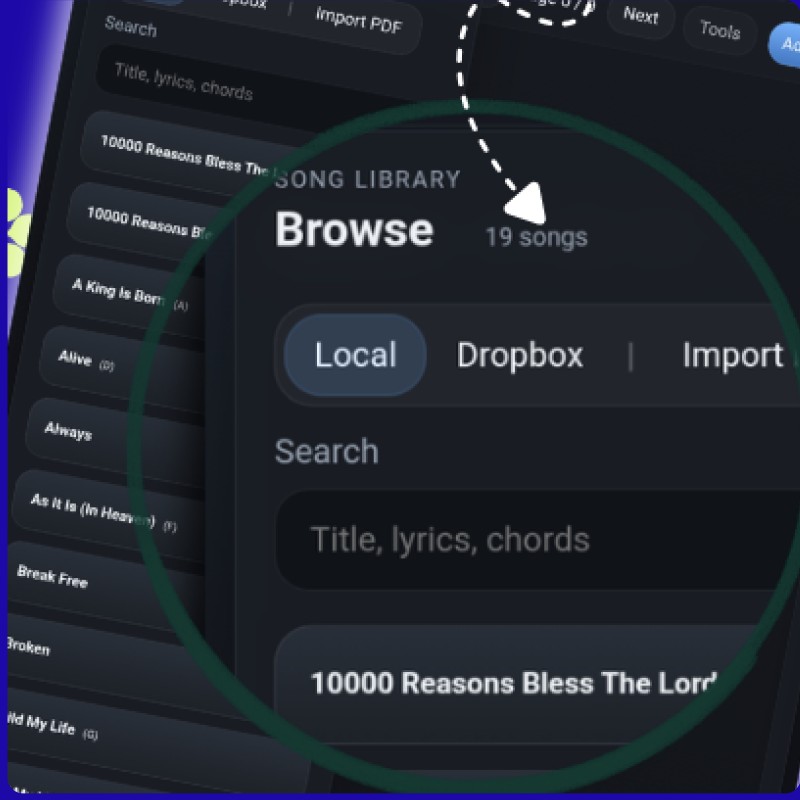
Browse local and cloud charts in full-screen mode, group matching song titles, and choose the key or version you need. Switch back to the compact drawer at any time.
Watch Library DemoIf you are looking for a way to transpose a chord chart PDF online, Chordasy gives you a free demo on the website and a complete app for Android tablets and iPad for library management, setlists, cloud sync, and live annotation.
It is designed for worship teams, church musicians, band leaders, and rehearsal prep where songs need to be searchable, easy to reorder, and ready to share across the same local network.
After you test the free PDF transpose flow, you can move into Chordasy on an Android tablet or iPad for faster song browsing, setlist building, Dropbox or Google Drive libraries, and live performance controls.
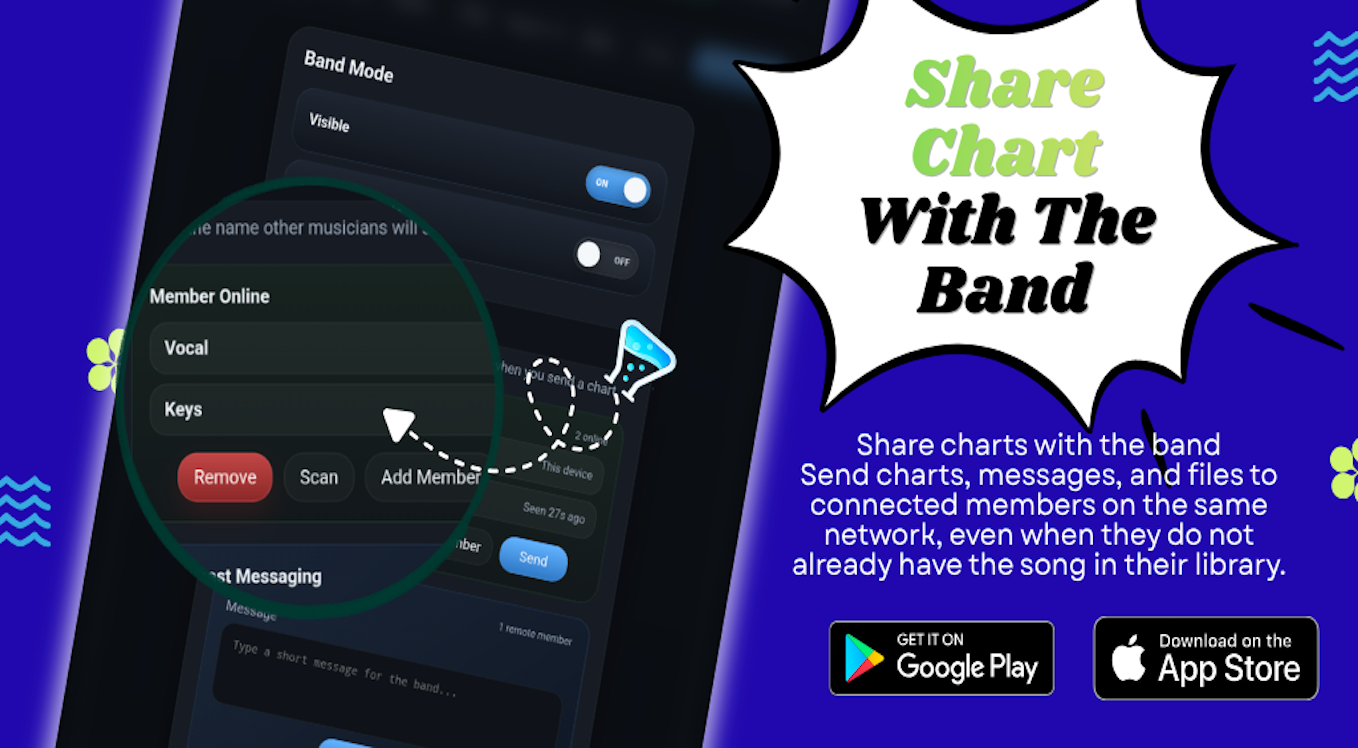
Send charts, messages, and quick notes to connected members on the same network so everyone can rehearse from the same set.
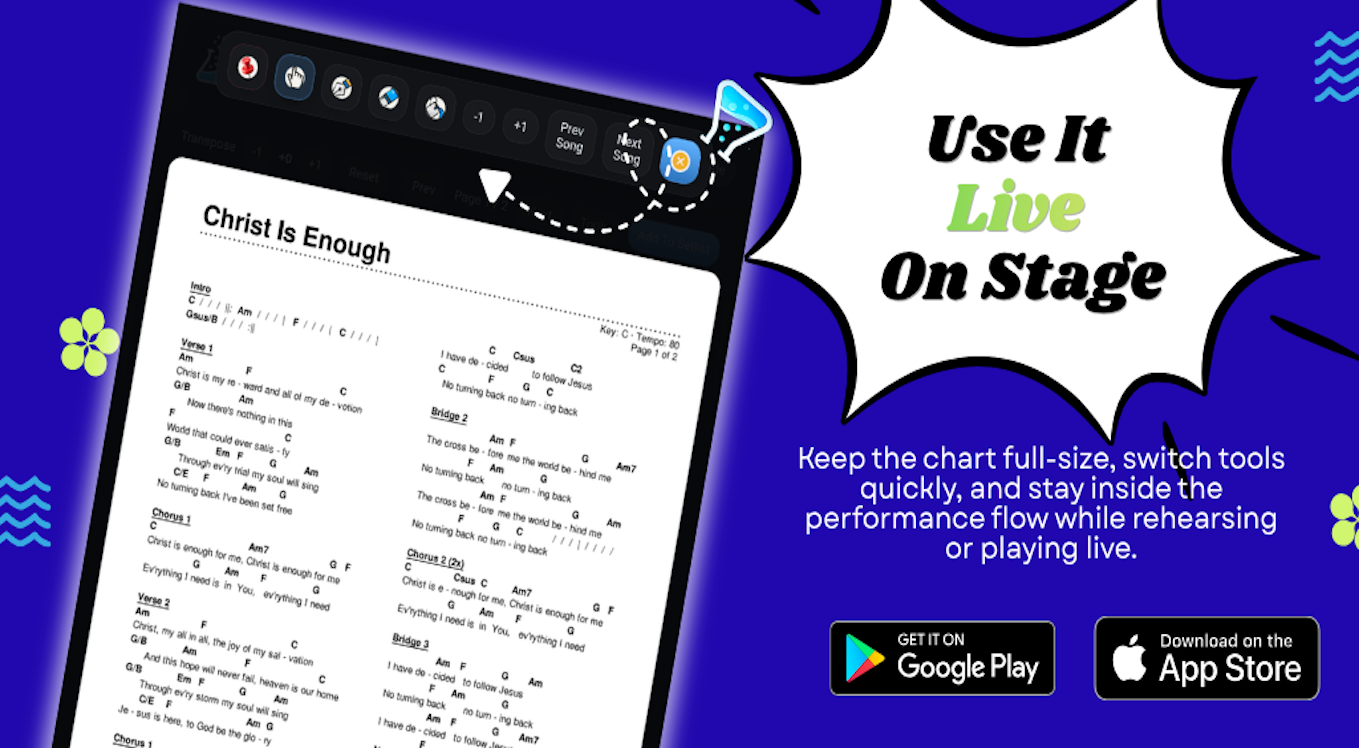
Keep charts readable, switch tools quickly, and stay inside the performance flow while rehearsing, leading worship, or playing live.
Download and support
Download Chordasy now from Google Play or the App Store.